Spot and perpetual markets, several pairs, automatic and manual orders. Your API wallet key stays encrypted on your machine. Start with a 7-day free trial.
One complete offer: every feature is included.
Hyperliquid spot and perpetual markets, several pairs at once.
Automatic orders driven by market analysis (moving averages, BULL / BEAR / RANGE markets), plus manual orders the bot then follows like the others.
Windows, Linux or Docker. You control it from your web browser, light or dark theme, in 8 languages.
Only a Hyperliquid API wallet key is accepted: it can trade but cannot withdraw your funds. The key is encrypted on your computer and never sent to our server.
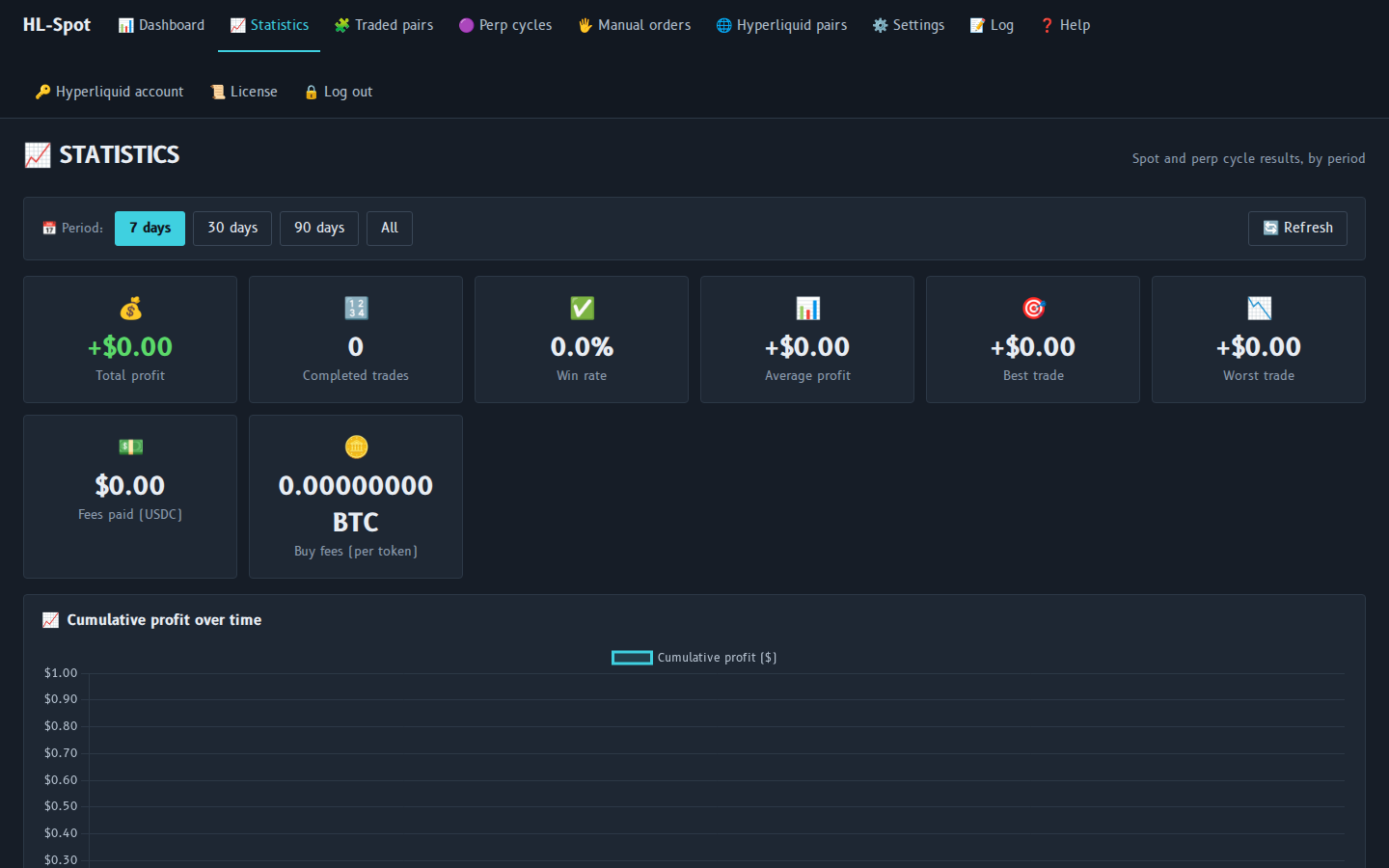
Results of spot and perp cycles by period, fees by token, perp funding.
Optional Telegram messages: orders placed, buys filled, completed cycles, errors, daily summary.
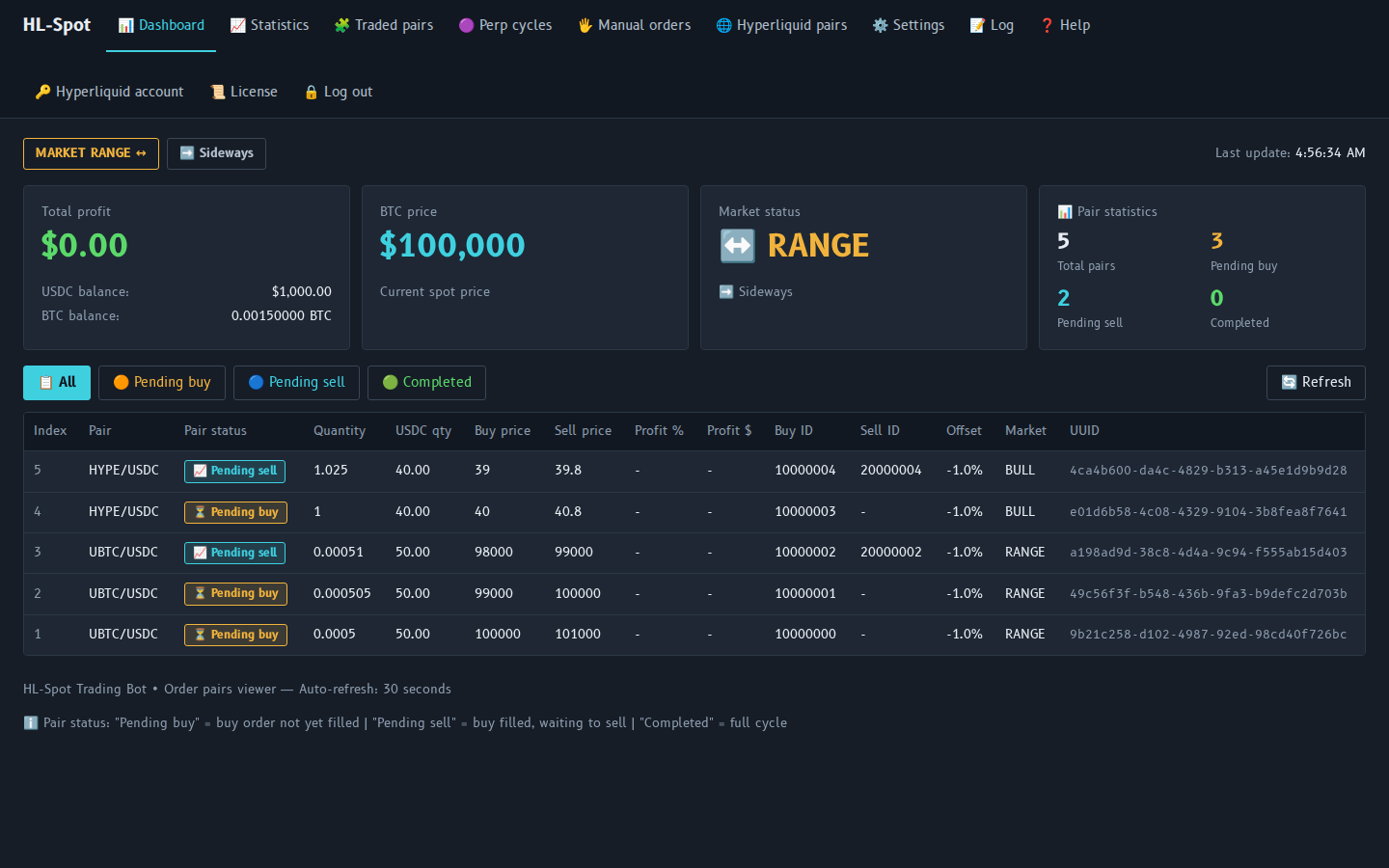
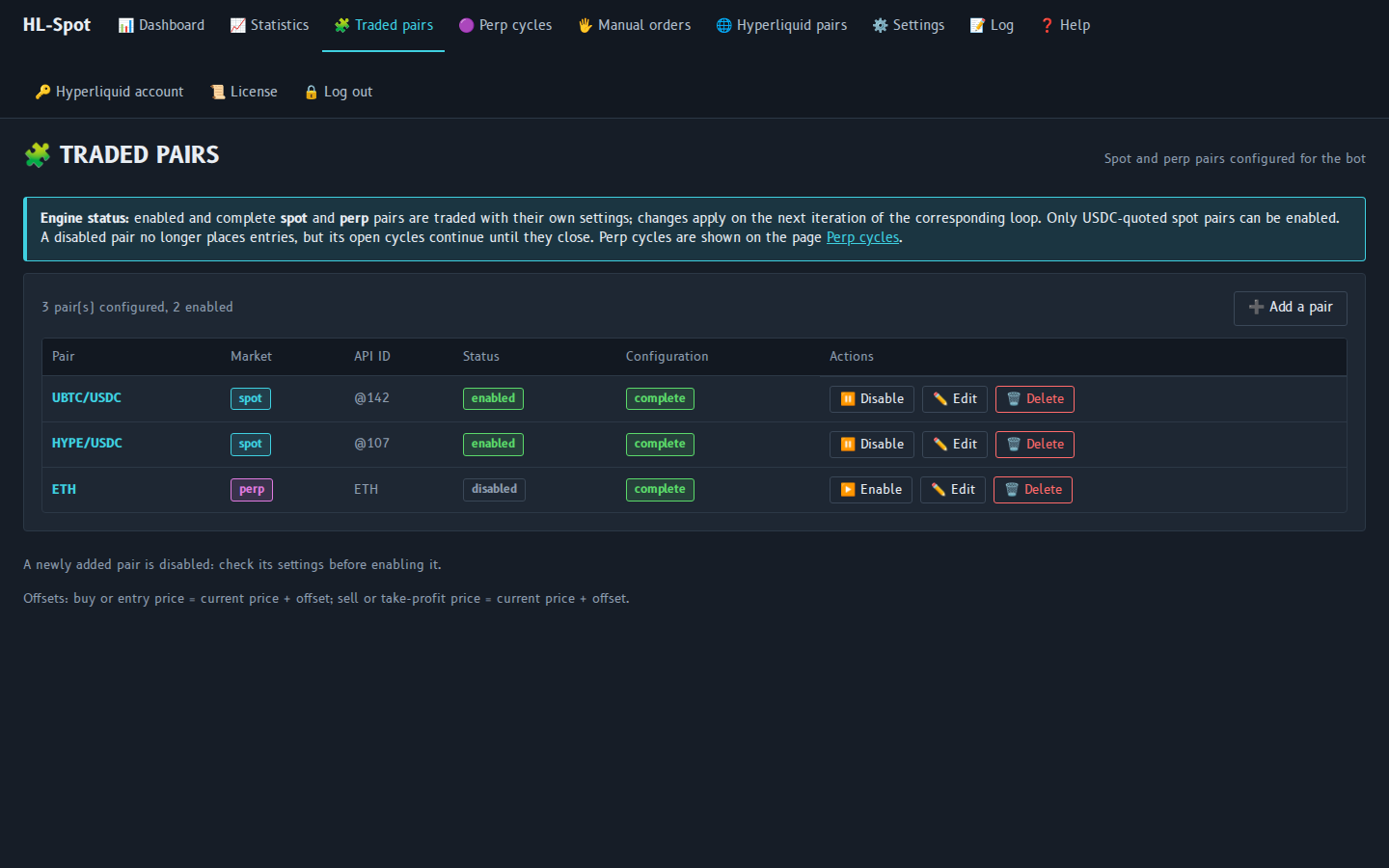
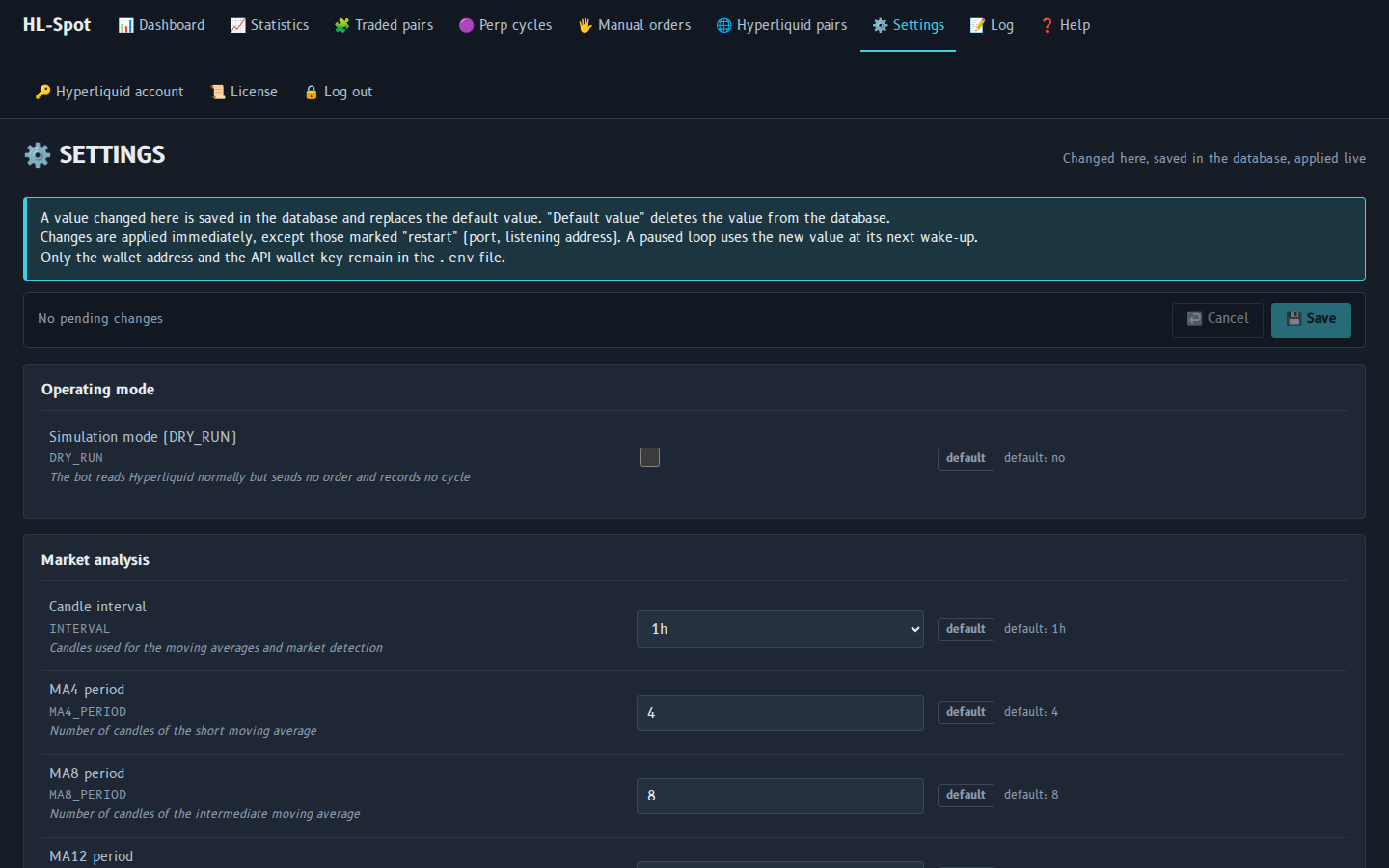
The bot in your browser. Demo data: the figures shown are not real results.
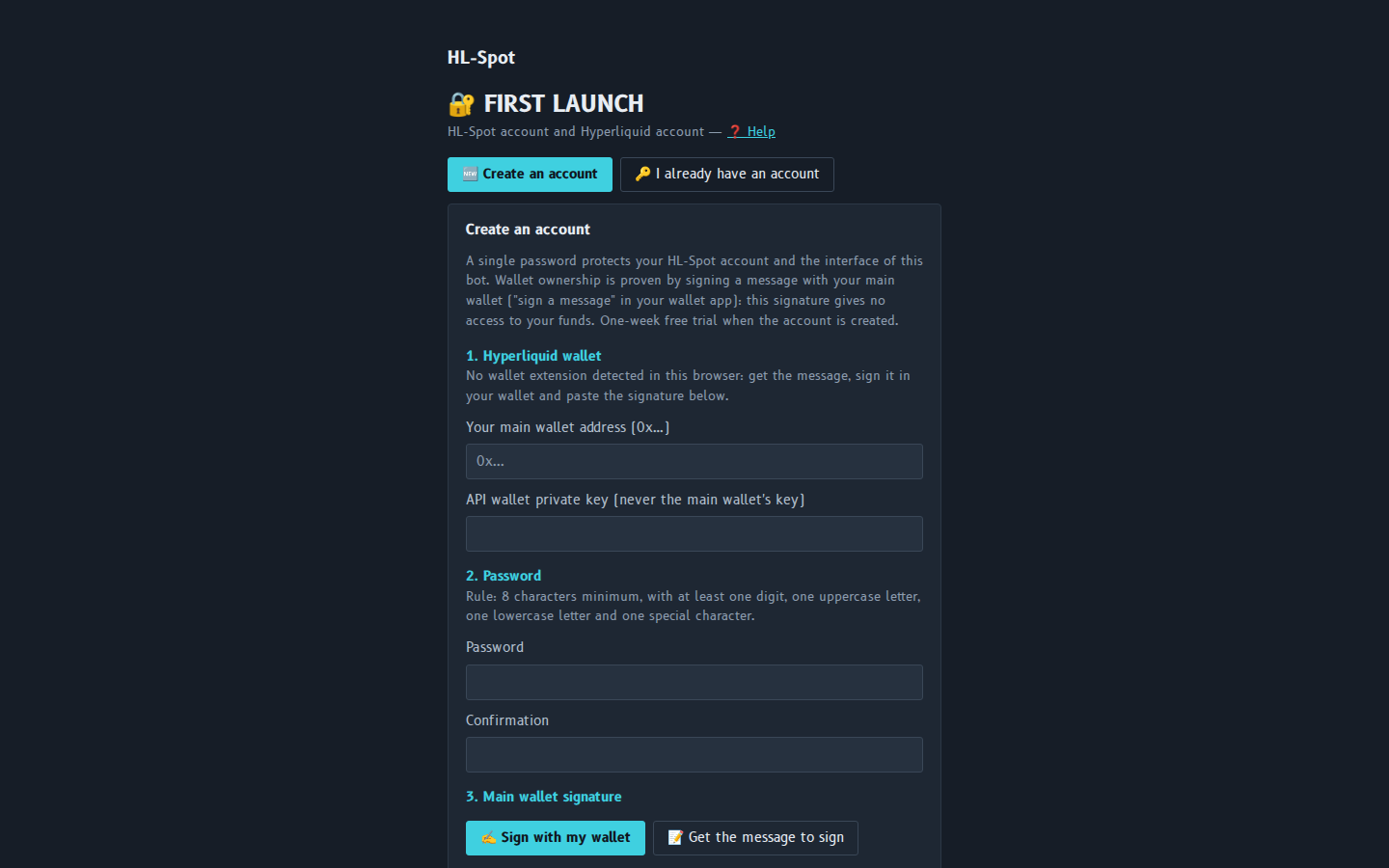
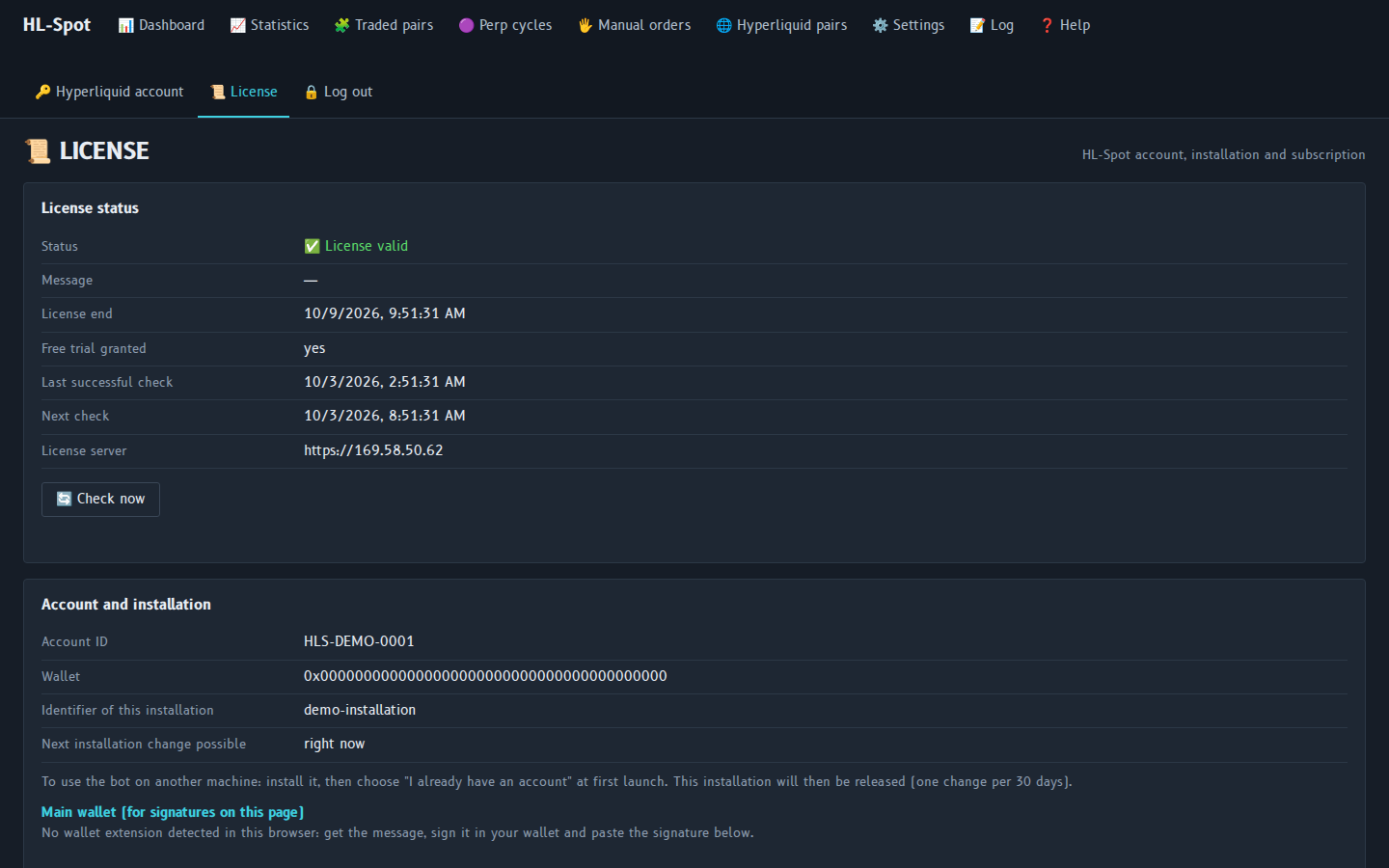
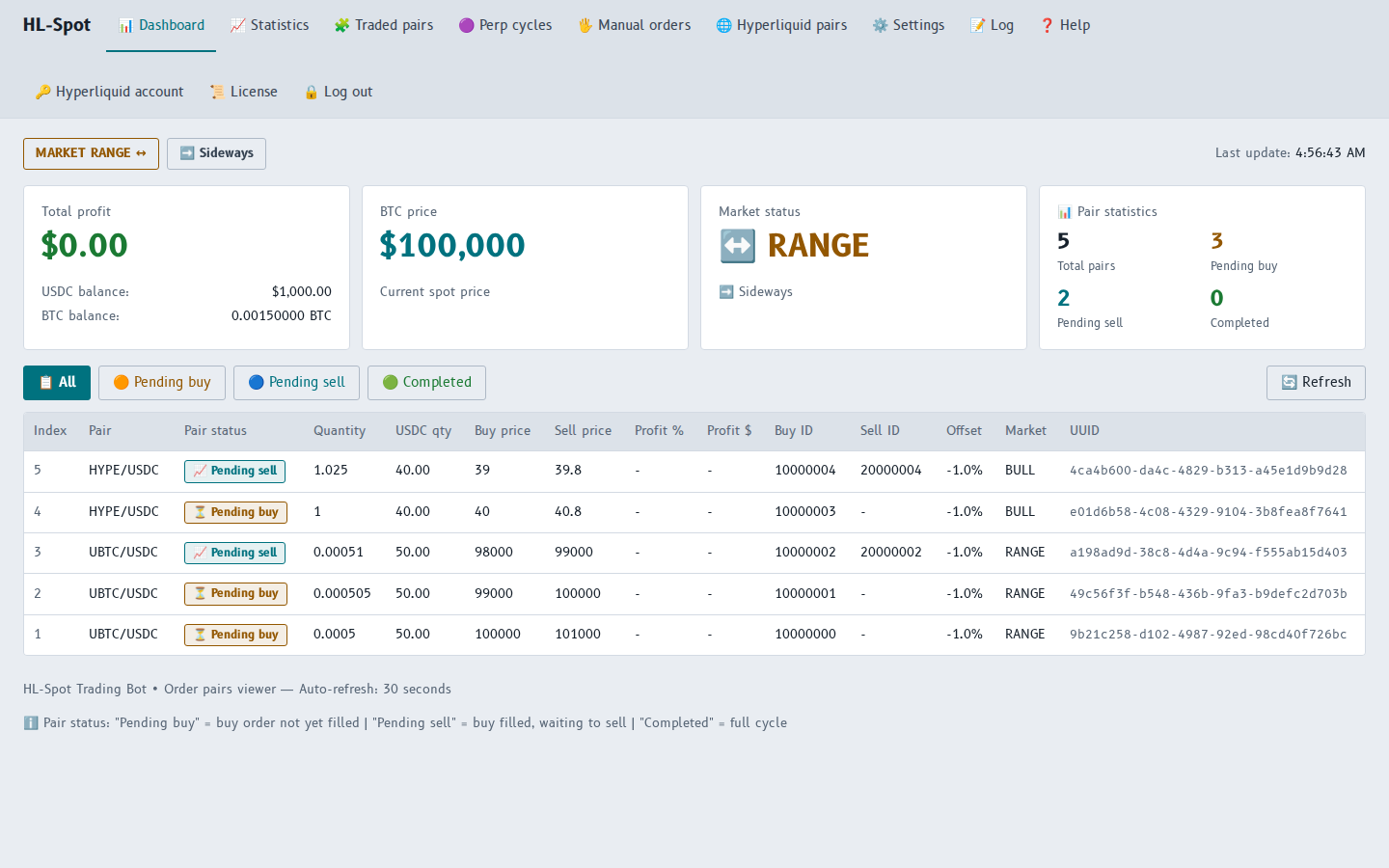
Paid in crypto from the License page of the bot.
Granted once per wallet and per installation, when you create your account.
Added to the end of your current license.
Added to the end of your current license.
Version 1.0.0 · all releases on GitHub · SHA256SUMS
| System | File | Checksum |
|---|---|---|
| Windows x86_64 | HL-Spot-1.0.0-prod-windows-x64.zip | .sha256 |
| Linux x86_64 · Ubuntu 22.04 / 24.04 / 26.04, Debian 12+ | HL-Spot-1.0.0-prod-linux-x64.zip | .sha256 |
| Docker x86_64 · image hl-spot:1.0.0 | HL-Spot-1.0.0-prod-docker-x64.tar.gz | .sha256 |
Then open http://localhost:60000 in your browser. Docker:
docker load -i HL-Spot-1.0.0-prod-docker-x64.tar.gz
docker run -d --name hl-spot --restart unless-stopped -p 60000:60000 \
-e TZ=Europe/Paris -v hl-spot-data:/data hl-spot:1.0.0Support by e-mail.
Attach the log file of the bot (Log page → Download the file). Never send your API wallet key, your secret.key file or your password.
 HL-Spot